
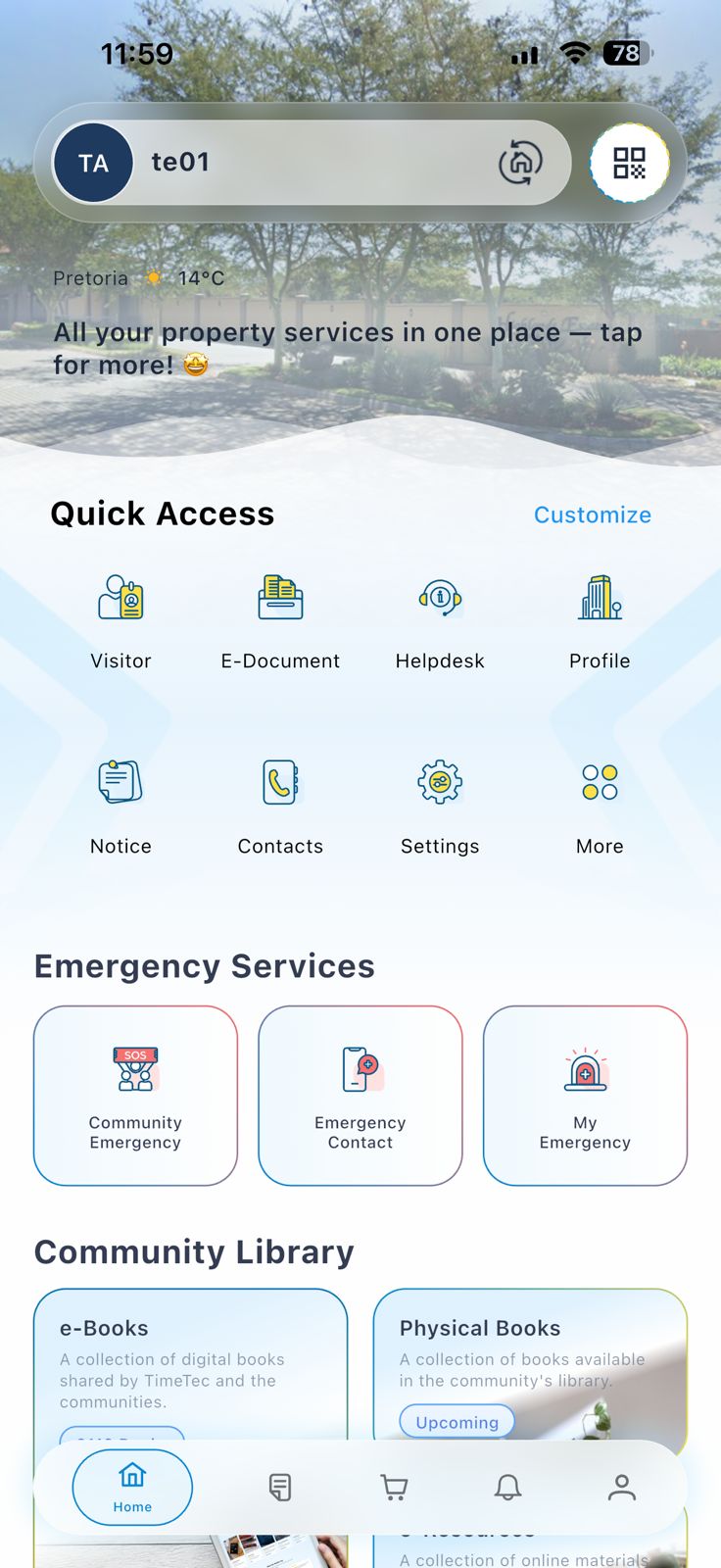
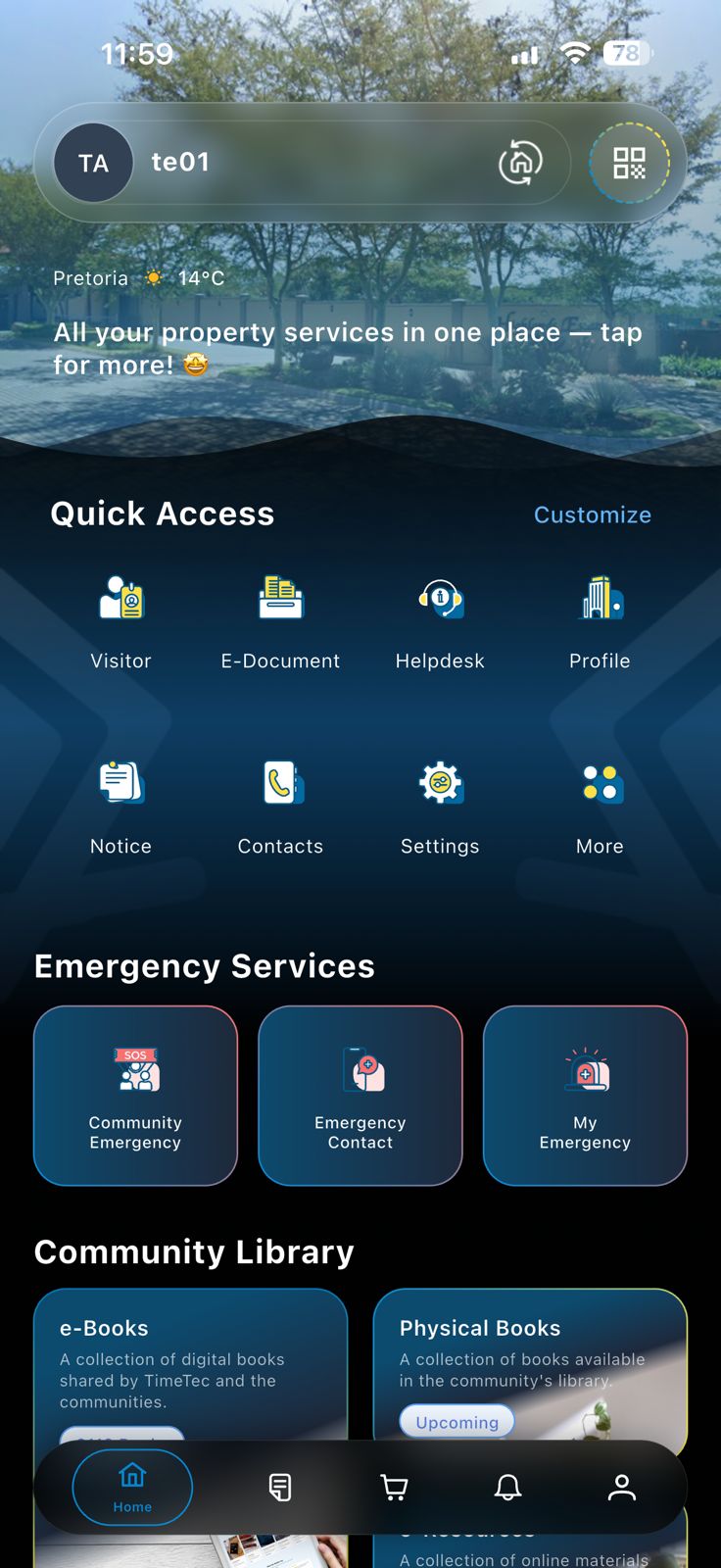
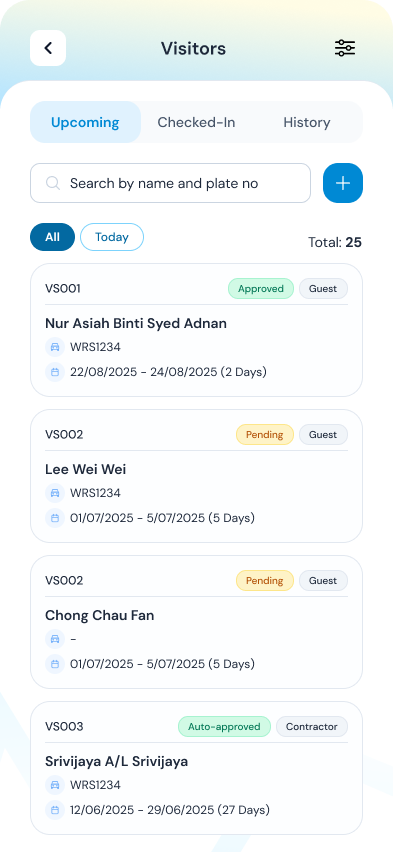
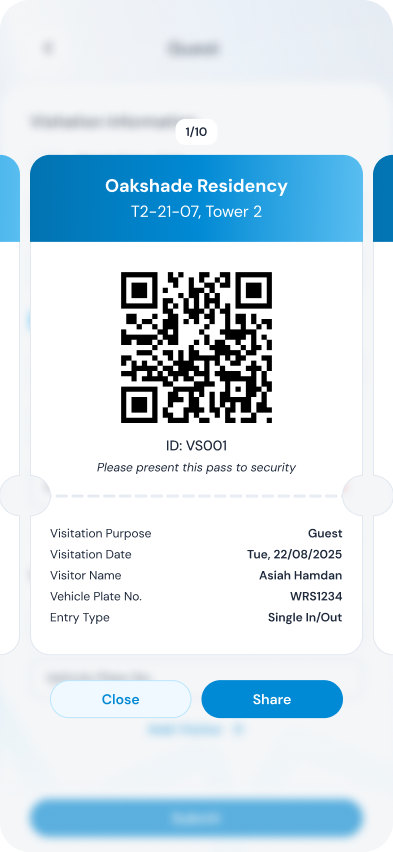
Smart residential community | Resident app
Give residents a single, secure place to manage visitors, pay charges, book facilities, receive notices, and stay connected to management and security - backed by the same TimeTec ecosystem trusted for property and access solutions.
One resident app
The iNeighbour Resident App is an all-in-one smart estate solution that replaces outdated manual systems with a secure, cloud-based platform for visitor management, e-billing, and emergency SOS alerts. By centralizing security and administration into a single intuitive app, it streamlines operations for management while enhancing safety and convenience for residents, ultimately increasing property value and community engagement through modern, smart-living technology.
Mission-built for residential estates, high-rises, and managed communities - fewer silos, clearer operations.
0
Communities
0
Households
0
Maintenance invoice generated
30+ features in a single resident app - covering payments, facilities, documents, community engagement, and safety.
Advanced settings so management can govern how the estate runs - without overwhelming residents with clutter.

Pricing
Pick one plan - pricing is per unit per month incl. VAT. Minimum 99 units for the plan you choose, then add one unit at a time. Switch to annual billing for 10% off versus paying monthly.
Billing period
Choose exactly one plan for your estimate.
Core resident experience | from 99 units
R1 173,15 /mo*
99 × R11,85 | Lite plan
Minimum order 99 units; then +1 per step.
What's included
Full community operations | from 99 units
R1 956,24 /mo*
99 × R19,76 | Standard plan
Minimum order 99 units; then +1 per step.
What's included
Advanced estate stack | from 99 units
R3 130,38 /mo*
99 × R31,62 | Professional plan
Minimum order 99 units; then +1 per step.
What's included
Prices shown in ZAR incl. VAT. Rates are per unit per month for the plan you choose. Each plan starts at 99 units minimum; quantity increases in steps of 1 after that. Annual billing saves 10% vs twelve monthly payments - confirm commercial terms on your quote. The estimate card’s hourly figure spreads your selected plan total across ~173⅓ work hours per month (not per individual unit). The combined line reflects monthly or annual (−10%) billing as toggled.
Resident & estate operations
From everyday convenience to emergency readiness.
Pre-register visitors for fast check-in.
Pay bills with multiple payment options.
View payment history and statements.
Book facilities and pay in the same flow.
Track complaints and inquiry status.
Submit applications without visiting the office.
View and download community documents.
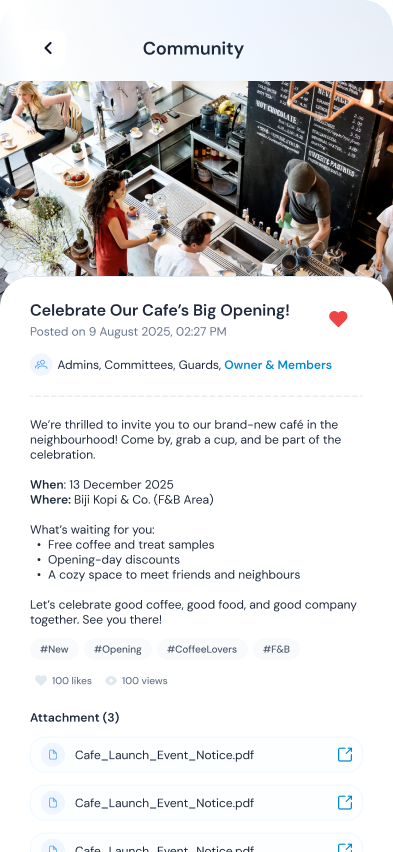
Stay updated and RSVP for community events.
Vote digitally on estate decisions.
Intercom-style calls from the smartphone.
Instant alerts, contacts, and roll-call readiness.
Pulled from the same capability pillars highlighted on iNeighbour’s Resident App overview.
Pre-register visitors for fast check-in at the guardhouse.
Pay bills with multiple payment options without paper chase.
View payment history and statements anytime.
Book facilities and make payments easily.
Track complaint and inquiry status transparently.
Submit applications without visiting the management office.
View and download documents from management.
Stay updated on important announcements.
RSVP for community events and keep calendars aligned.
Vote digitally in community decisions.
Updated management and essential contacts when residents need help.
Send instant emergency alerts to security teams.
Visibility for residents; operational alignment for guards, committees, and management.
View committee members and their roles.
Access updated security personnel information.
Intercom using smartphone calls where supported.
Access the neighbourhood using the smartphone where devices allow.
Find trusted home service providers in the ecosystem.
Residents can trigger emergency evacuations when processes call for it.
Important emergency numbers on hand when seconds matter.
Management can trigger emergency roll calls alongside resident tools.
Replace ad-hoc chats and paper forms with a resident platform your estate can grow into.
Notices in one channel, payments in another, and visitors still slow the guardhouse during peak hours.
Consolidate billing, facilities, documents, and communication so residents know where to go first.
Hard to prove who approved a visitor, which unit owes what, or which facility slot is disputed.
Structured requests, approvals, and records tied to roles - better accountability for committees and managers.
Tools that guards love but residents ignore stall adoption - weakening the whole perimeter story.
Visitor workflows, panic tools, directories, and access experiences that meet people where they live.
Printed circulars and informal polls don’t scale - especially across towers or phased townships.
Announcements, events, and e-polls with participation history aligned to your governance needs.
Share your property type and priorities - we’ll tailor a walkthrough around residents, management, and how the app sits alongside visitor, access, and security modules.
Thanks - we’ll be in touch shortly.
iNeighbour is an all-in-one smart community platform designed to digitize estate management. It replaces manual logbooks with a secure cloud system for visitor management, e-billing, and resident communication. For South African estates, it enhances security through integrated panic buttons and provides a transparent, paperless way to manage levies and facility bookings, ultimately increasing property value and resident satisfaction.
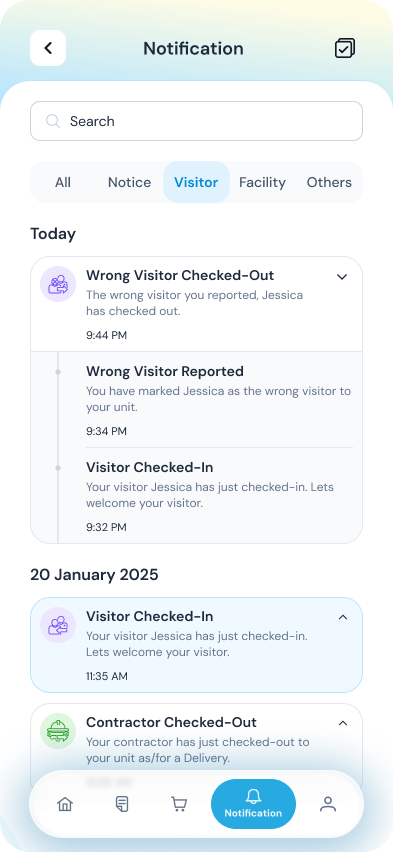
The app streamlines security by allowing residents to send QR-code invitations via WhatsApp or email. When the visitor arrives at the gate, the security team scans the code for instant verification. This eliminates long queues, ensures all visitor data is digitally logged for compliance, and provides residents with real-time notifications of their guests' arrival.
Yes. iNeighbour includes a built-in SOS Panic Button. When triggered, an instant alert is sent to the estate's security guards and pre-defined emergency contacts. The app can also capture automated photos and track the resident's GPS location during the emergency, ensuring a rapid and precise response from on-site security teams.
Absolutely. The E-Billing module allows management to send invoices and statements directly to your phone. Residents can view their transaction history, download tax invoices, and make secure payments via integrated payment gateways. This reduces administrative overhead for the Homeowners Association (HOA) and ensures residents stay up-to-date with their accounts.
While the standard commercial plans (Lite, Standard, and Professional) are typically optimized for estates with 99+ units, iNeighbour is highly scalable. For smaller complexes or boutique developments, the platform offers flexible entry-level configurations. If your community has fewer than 100 units, you can still access the full suite of "Super App" features by contacting a local distributor for a customized quote designed to fit your specific estate size.
Getting started is simple. You can request a demo through local distributors to see the system in action. The onboarding process includes a setup of your estate's layout (blocks and units), training for security personnel on the Guardhouse Tablet, and a rollout guide for residents to download the app from the Google Play Store or Apple App Store.


